The KNOCCS Design System
The mark, the tokens and every component behind a customer support inbox. Play with it below.
- ROLE
- Product Designer
- COMPANY
- Spursol
- SCOPE
- Brand, tokens, components
- VERSIONS
- V1.0 → V1.1
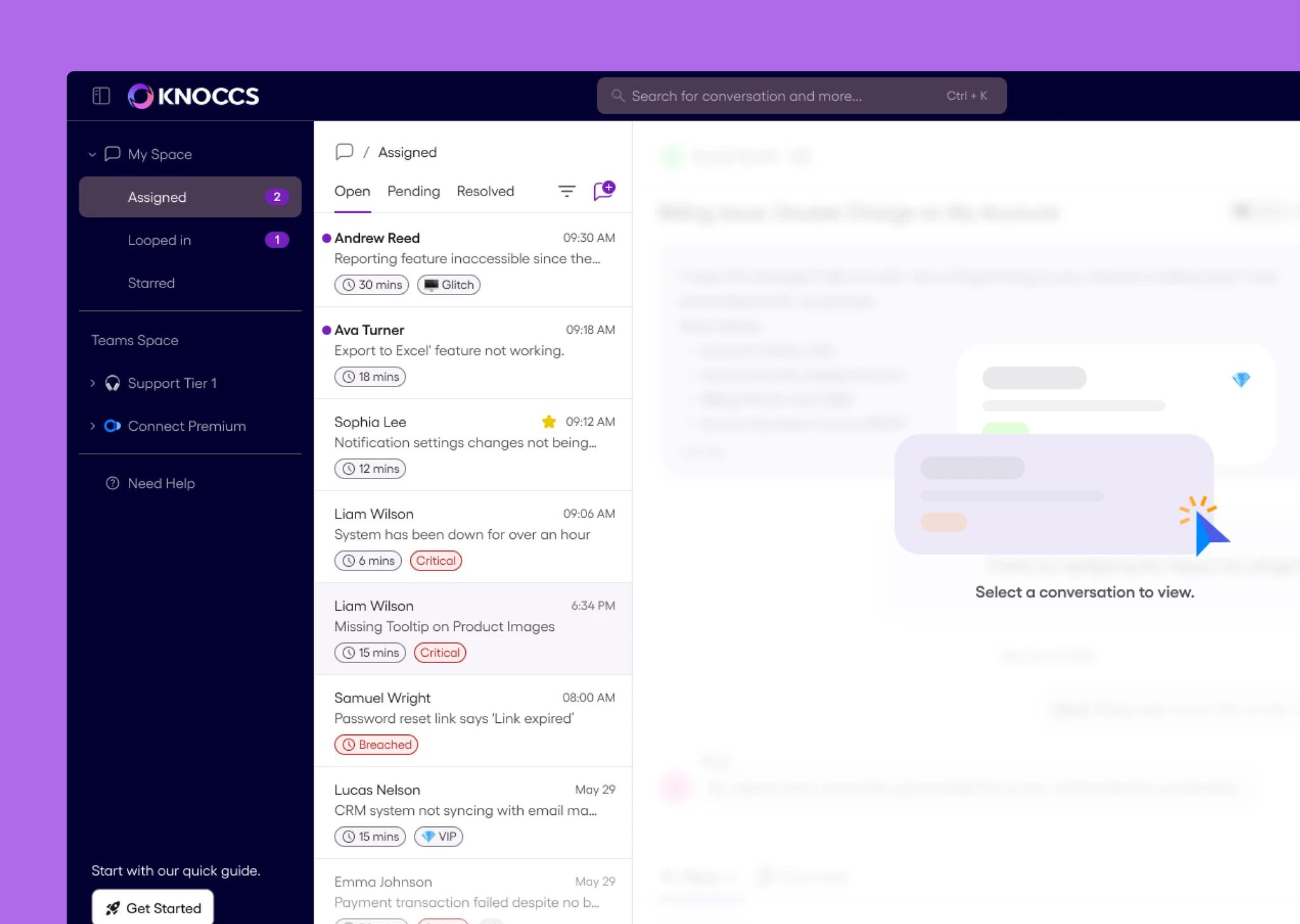
From screens to a system
button styles became one governed family
hand drawn themes became one token layer
named color and type tokens
The mark
 KNOCCS
One looping stroke, in the same purple to pink gradient as the Primary palette.
One accent, many neutrals
Four brand colors against seven greys. Color is kept for what matters.
Every state drawn
Default, hover and active, designed before anything counts as done.
Governance over decoration
A documented token beats a clever gradient.
Tokens come first
Primary
Secondary
Accent
Hover and surfaces
Type scale
Iconography
15 of the 50+ icons, drawn at 24px to one weight.


One card, seven tokens
- 1NameS114 / 20, semibold when new
- 2SnippetS314 / 16, one line
- 3TimeS412 / 16, medium
- 4StarStar16px icon
- 5Critical tagRed + Red Basepill, 12 / 20
- 6Unread dotP29px circle
- 7Hover fillHover Lightfull row
Try the components
Real states, colors and copy from the Figma file.
Everything else it documents
Real frames from the Figma file, grouped by purpose.
Navigation and chrome

Header
Light and Dark, with search and agent status.

Browser Header
Light and Dark browser chrome.
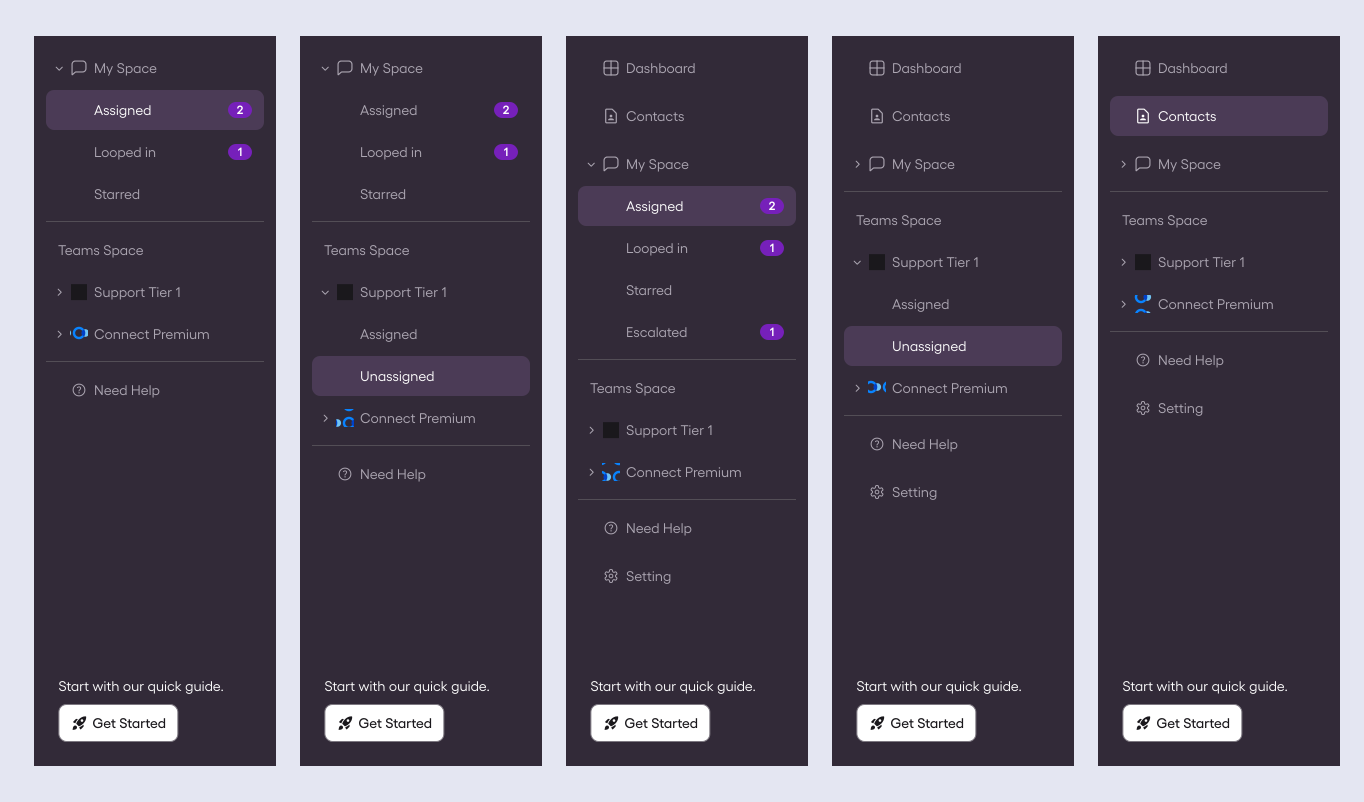
Sidebar Navigation
Five configurations built from one Nav Item.
Status and people
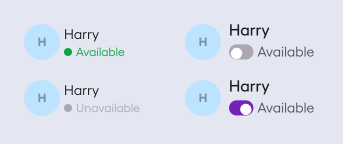
Agent Status
Available and Unavailable, with the toggle.
Atoms
Avatar, badge and toggle, reused everywhere.
Menus and forms
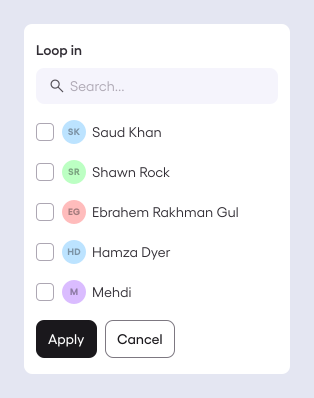
Loop in menu
Checklist with search.
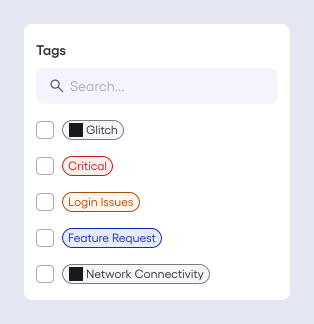
Tags menu
Filter by tag.
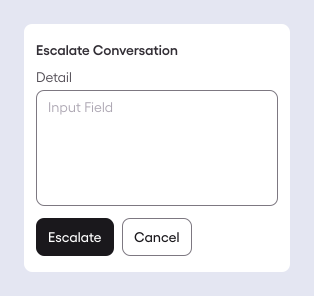
Escalate Conversation
The textarea and its actions.
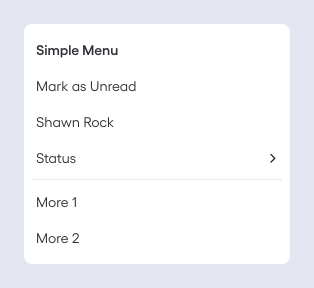
Simple Menu
Plain actions and a submenu.
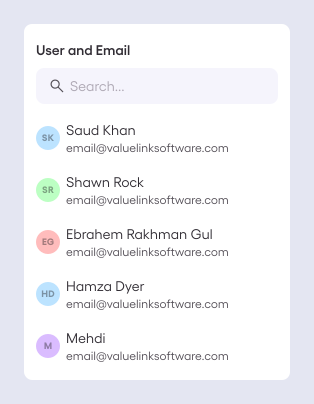
User and Email menu
People with search.
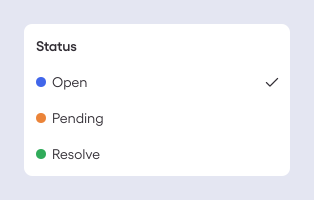
Status menu
Open, Pending, Resolve.
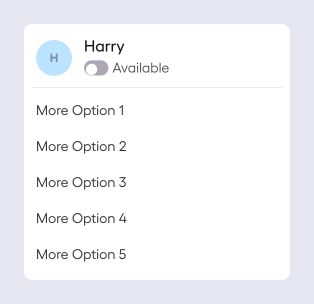
Profile menu
Availability and options.
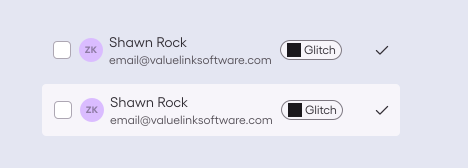
Menu Atom
The row every menu is built from.
Messaging
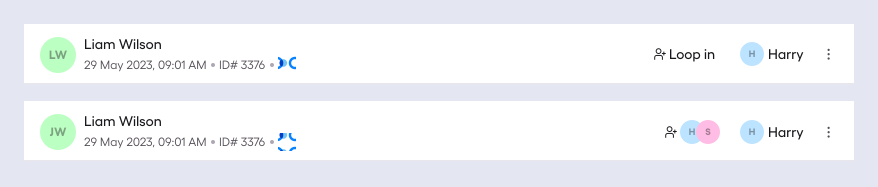
Conversation Detail Header
Default and Looped in.
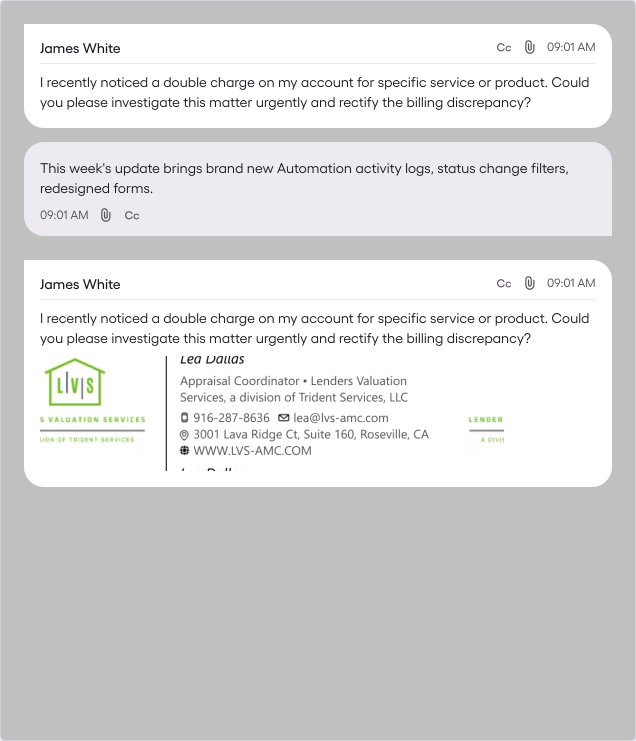
Message
Customer, automated and rich signature.
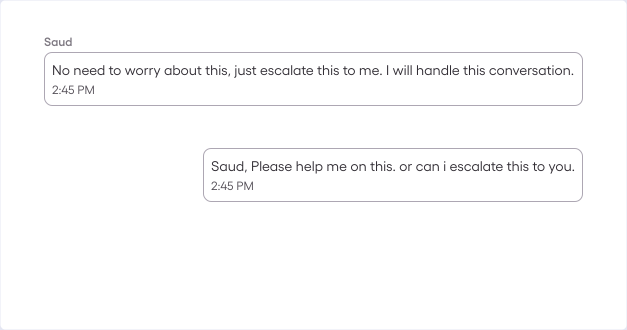
Internal Comment
Team and personal comments.
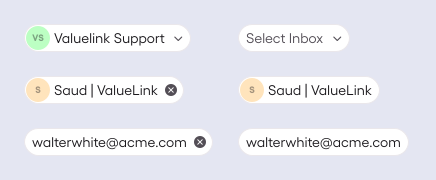
Email Chip
Recipients, with a removable state.
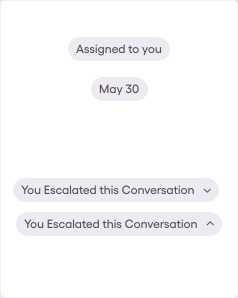
Conversation Logs
System events as pills.
Files
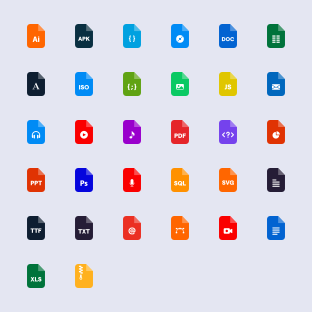
File type icons
32 formats, one mark each.
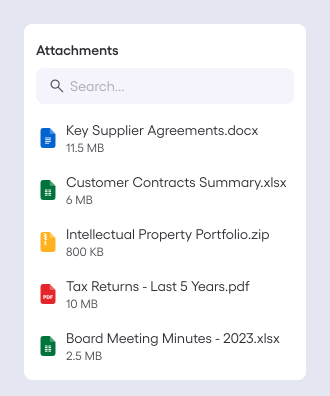
Attachments menu
Files with type and size.
Not in the file yet
Breadcrumbs, tabs, an elevation scale, grids and breakpoints, and input error states. Candidates for V1.2.
How it grew up
Two fixes that show the shift from screens to system.
The button
V1.1: One Assign Button with three real states. Outlined, with a chevron, and assigned with an avatar.
The sidebar
V1.1: One Nav Item with Default, Hover and Activated. A theme change becomes a token swap.